Interactive games
Interactive games for TikTok LIVE
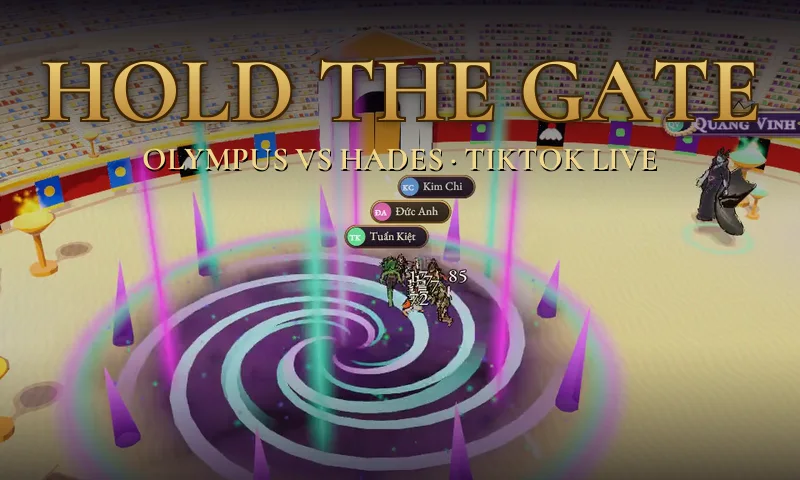
Viewers send gifts to summon a boss, win a tug of war, release fish or light incense, and the game on your stream reacts at once, following its printed gift table. Web games run in OBS from one link.
No card needed, never your TikTok password.

Why streamers use it
A printed gift table
Every game lists which gift does what. Change the gifts and amounts to suit your room.
Try before you use it
Connect a real live and play any game for 5 minutes before you decide.
Every game is free
Every account can use the whole game library.
Set up in 3 steps
Pick a game on the Games page, read its gift table and try it.
Copy the game link into OBS (Browser Source, 1080 × 1920 for a vertical live).
Connect your live and go on air: your viewers' gifts drive the game.
Common questions
Do games cost money?
No. Every game is currently free for every account.
Do games need the desktop app?
Browser games do not, OBS is enough. Games that press keys (Roblox, for example) need the desktop app on Windows.
Can I change which gift does what?
Yes. In Games, open the game's gift table and choose the gift and amount for each action.
Do the games work in TikTok LIVE Studio?
Yes. A web game is a web page, so any streaming app with a browser source can show it, including OBS and TikTok LIVE Studio.
More features
Ready for tonight's live?
Create a free account, connect TikTok and test everything with sample events before you go live.