
LiveBridgeLiveBridge

Every gift is a button on the game in your live

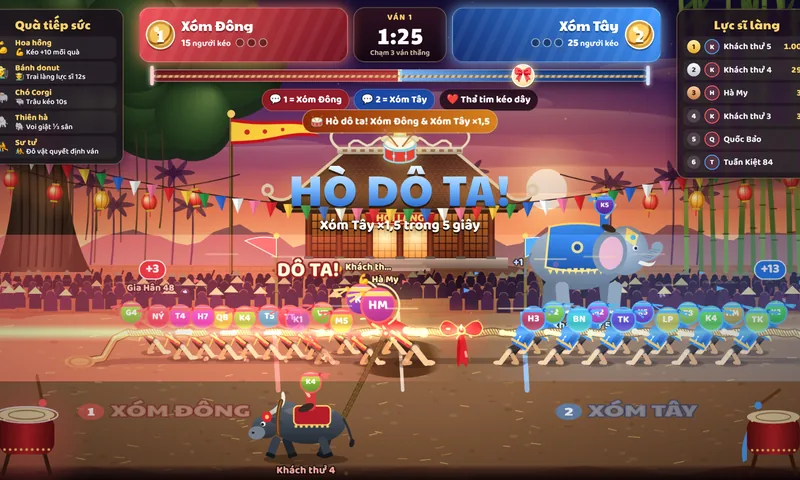
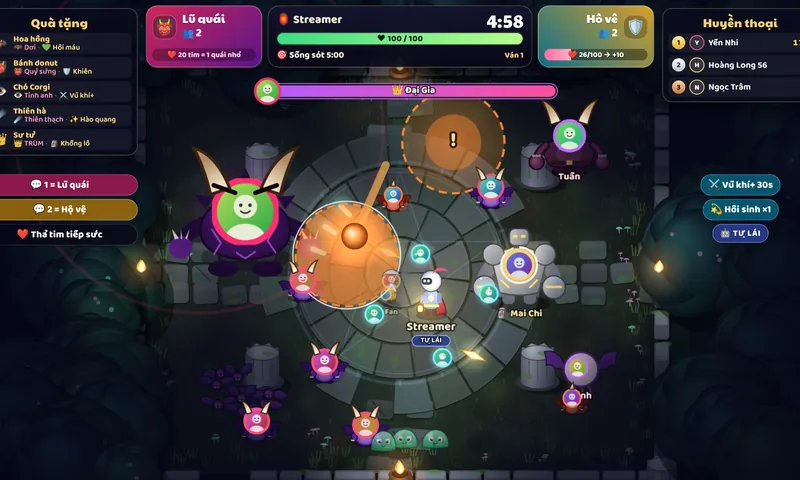
Viewers send gifts, comment and tap likes, and the game on your live reacts at once, following its built-in gift table. LiveBridge has games ready for TikTok LIVE that run in OBS from one link.

Free sign-up, no card, never your TikTok password. Every game has a 5-minute trial.
Cabinet 5/11LIVE
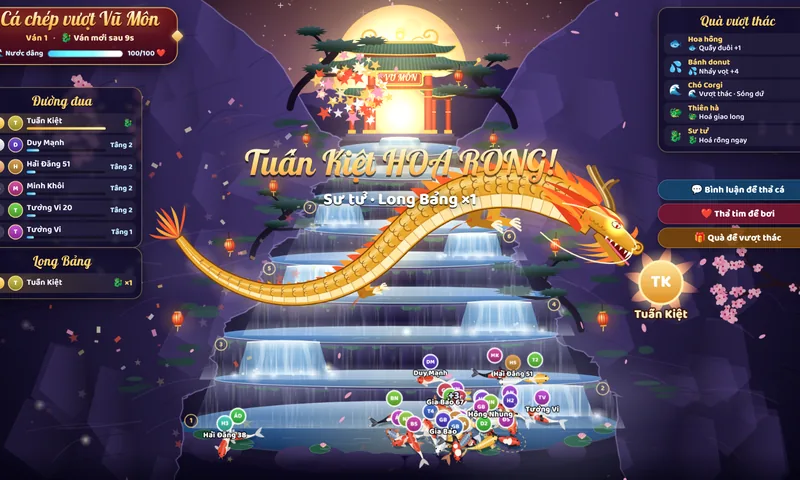
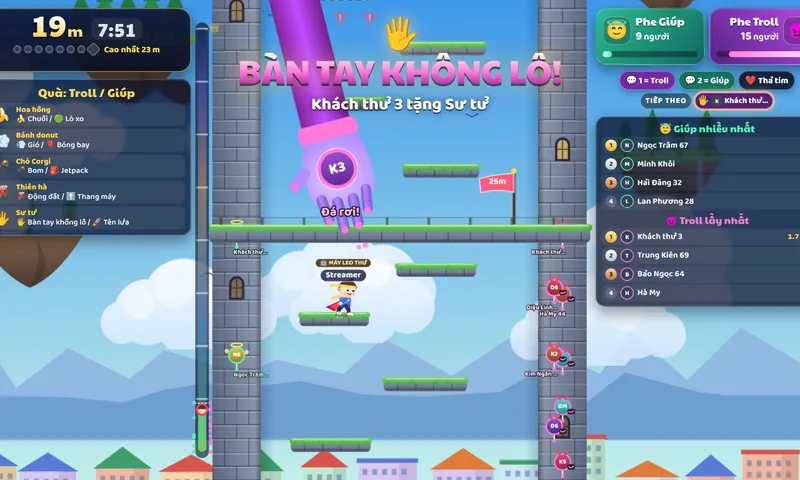
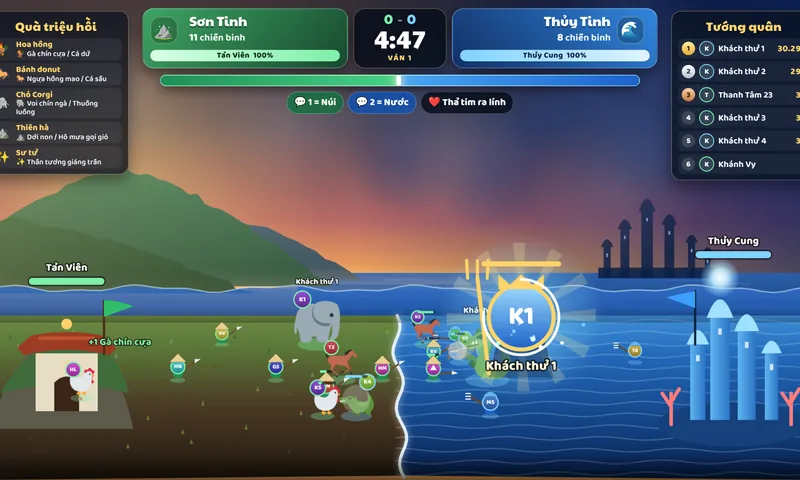
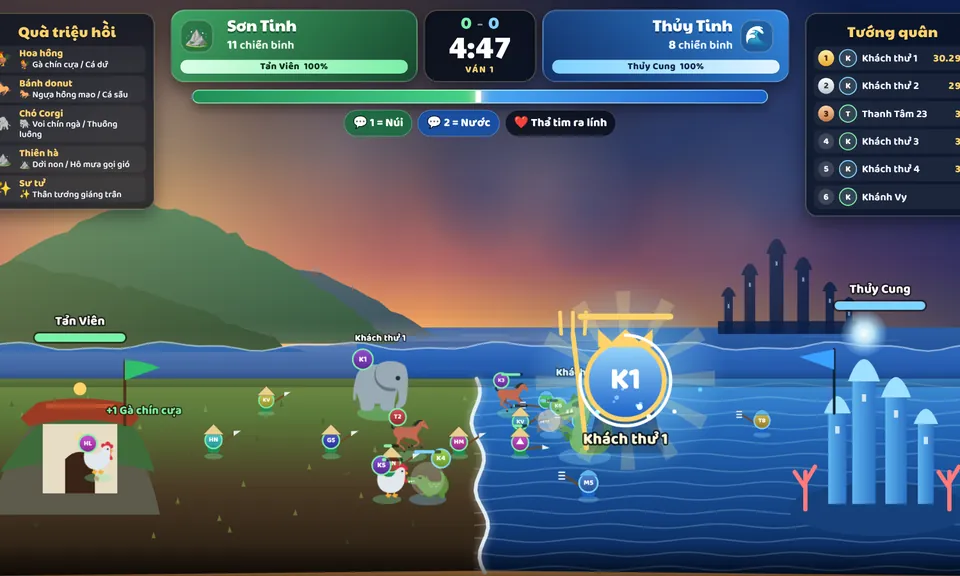
Mountain vs Water game screen

Press a gift. Each key is one line of this game's built-in gift table.

Diamonds in this trial00032

  1. 00:42:06Guest 3 sent Rose: Rooster / Shark
  2. 00:41:39Guest 7 sent Doughnut: Red horse / Crocodile
  3. 00:40:54Guest 5 sent Rose: Rooster / Shark
A simulation built from each game's real art and gift table. On a real live, the gifts come from your viewers through TikTok.

A gift table printed for every game

Every game ships a gift table built on real TikTok gifts and diamond values. Gifts named in the table come first; any other gift counts by its diamonds.

You can change any line in the dashboard under Games, for example what a Rose calls up, or add your channel's own favourite gifts.

Which gift does what: Mountain vs Water
A viewer sendsWhat happens on your live
  • RoseRose1 diamonds
  • or any gift 1–9 diamonds
Rooster / Shark
  • DoughnutDoughnut30 diamonds
  • or any gift 10–99 diamonds
Red horse / Crocodile
  • CorgiCorgi299 diamonds
  • or any gift 100–999 diamonds
Elephant / Sea serpent
  • GalaxyGalaxy1,000 diamonds
  • or any gift 1,000–9,999 diamonds
Landslide / Tidal wave
  • LionLion29,999 diamonds
  • or any gift 10,000+ diamonds
A god descends

More than games

Overlays, gift-triggered actions, read-aloud chat, viewer points and a chatbot, all in the same account. Start free, upgrade when you need to.

See every feature

From signing up to going live

Three things on the computer that runs OBS. The first two you do once; the third before every live.

  1. 1.Link your TikTok name

    Enter the name you go live with. LiveBridge reads the public gifts, comments and likes of your live and never asks for your TikTok password.

    You do this once.

  2. 2.Paste the link into OBS

    In OBS add a Browser source and paste the game's link from Games; that link carries your own connection key. To try first, paste the trial link: the game really runs for 5 minutes.

    Source
    Browser
    1080 × 1920
    vertical live
    1920 × 1080
    horizontal live

    You do this once.

  3. 3.Press Connect before every live

    Start your TikTok LIVE, then press Connect in the dashboard. When the lamp reads On air, gifts start reaching the game.

    Do this before every live.

Pick a cabinet for tonight's live

Every game has a 5-minute trial that runs in the browser, no account needed.

Free

All 12 games
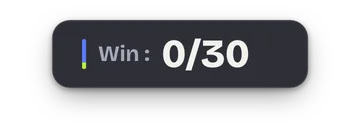
GoalLeaderboardSubathon timerWin counter
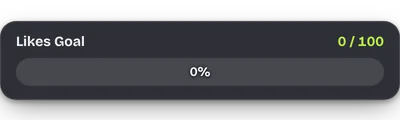
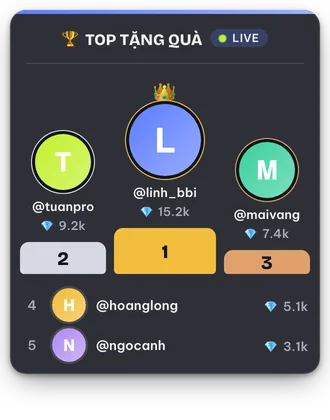
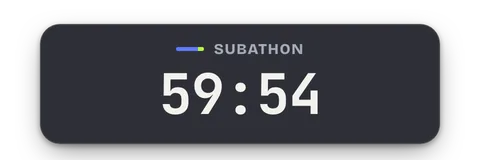
Four overlays captured from the product (preview mode), placed at their real size on a 1080 × 1920 vertical live.

Tools for nightly streamers, all free

Every account can use the tools below. Each overlay goes into OBS with its own link, at the size shown beside it.

33 OBS overlays

  • Gift alertsBrowser Source size: 1920 × 1080
  • Chat boxBrowser Source size: 380 × 700
  • GoalBrowser Source size: 400 × 120
  • LeaderboardBrowser Source size: 330 × 420
  • Top likersBrowser Source size: 320 × 360
  • Coin jarBrowser Source size: 360 × 520
  • Spin wheelBrowser Source size: 360 × 440
  • Subathon timerBrowser Source size: 480 × 160
  • Win counterBrowser Source size: 360 × 140
  • Sound and videoBrowser Source size: 1920 × 1080
  • ActionsBrowser Source size: 1920 × 1080
  • Read messages aloudBrowser Source size: 600 × 160
  • Gift feedBrowser Source size: 360 × 480
  • Viewer countBrowser Source size: 320 × 110
  • Emoji floatBrowser Source size: 1920 × 1080
  • Like fountainBrowser Source size: 480 × 720
  • Gift fireworksBrowser Source size: 1920 × 1080
  • Falling snowBrowser Source size: 1920 × 1080
  • Social linksBrowser Source size: 560 × 140
  • Viewer points boardBrowser Source size: 360 × 560
  • Points command resultsBrowser Source size: 400 × 600
  • Gift battleBrowser Source size: 800 × 260
  • Coin matchBrowser Source size: 420 × 560
  • Penalty battleBrowser Source size: 520 × 600
  • Gift cannonBrowser Source size: 1920 × 1080
  • Stream buddiesBrowser Source size: 1920 × 360
  • Points dropBrowser Source size: 1920 × 1080
  • Chat pollBrowser Source size: 520 × 420
  • GiveawayBrowser Source size: 560 × 480
  • Pinned commentBrowser Source size: 640 × 200
  • Latest eventsBrowser Source size: 420 × 140
  • Wheel of actionsBrowser Source size: 360 × 460
  • Gift soundsBrowser Source size: 320 × 120

Live tools

Action Events
Tie gifts, follows and likes to your own images, videos and sounds.
Keyboard shortcuts
Gifts press keys for you on your computer; needs the desktop app.
Voice and sounds
Read comments aloud and play sounds on gifts.
Chatbot and moderation
Answer comments automatically and stop bad ones before they reach the screen.
Ranking and donations
Gift history and a board of your top gifters.
Menu Maker
Make a gift menu image to pin on your live.

What streamers ask first

What is LiveBridge?

An interactive game platform for TikTok LIVE. Viewer gifts, comments and likes are wired into the game running on your live screen.

Do I need to install anything?

Not for browser games: you add one link to OBS. Games that press keys (for example Roblox) need the desktop app on Windows.

Is the trial free?

Yes. Every game has a 5-minute trial that needs no account.

Is LiveBridge really free?

Yes. Right now every game and tool is open to every account, with no card needed.

Will it stay free?

The policy may change. If a paid plan arrives, this page will state the price and what changes.

Which TikTok account do I need?

The account you broadcast from. LiveBridge only reads the public events of your live; no password needed.

Go live with a game tonight

Try it for 5 minutes in your browser, then sign up free to use every game on a real live.